 Chat Fits
How to train an AI chatbot on your own website in minutes
October 28, 2026 · The Chat Fits team
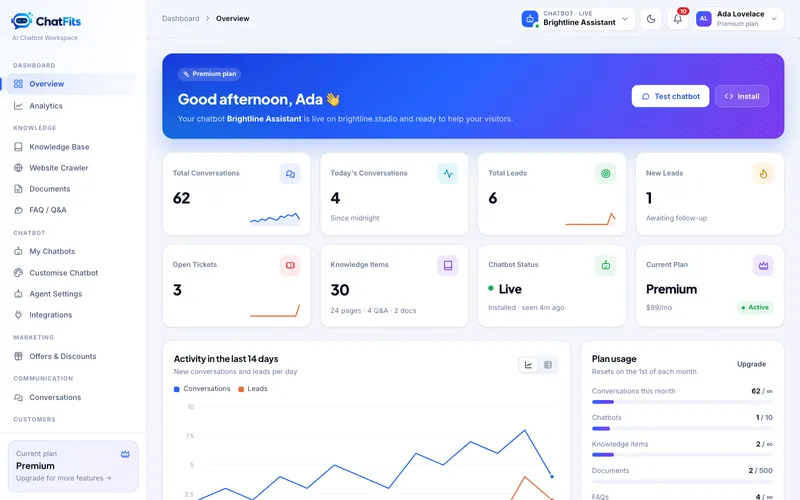
Visitors ask the same questions every day: what you offer, what it costs, and how to get started. An AI assistant trained on your own website can answer them at any hour, in your words.
1. Add your website
Paste your homepage address into Website Crawler. The assistant follows your links and sitemap and reads up to hundreds of pages: services, pricing tables, FAQs and policies. Content hidden in tabs and accordions is read too.
2. Fill the gaps
Upload brochures or price lists in Documents, and write short answers in FAQ / Q&A for anything that isn't on your site yet. Manual answers always come first.
3. Make it yours
Your logo and colours are picked up from your website. Fine-tune the look, the greeting and the tone in Customise Chatbot and Agent Settings.
4. Install it
Copy one line of code into your site. There are guides for WordPress, Shopify, Wix, Webflow and plain HTML.
When the assistant doesn't know something, it says so and offers your contact form or a person. It never makes up prices or policies.